
A Practical Guide to Improving Home Wi-Fi and Network Stability
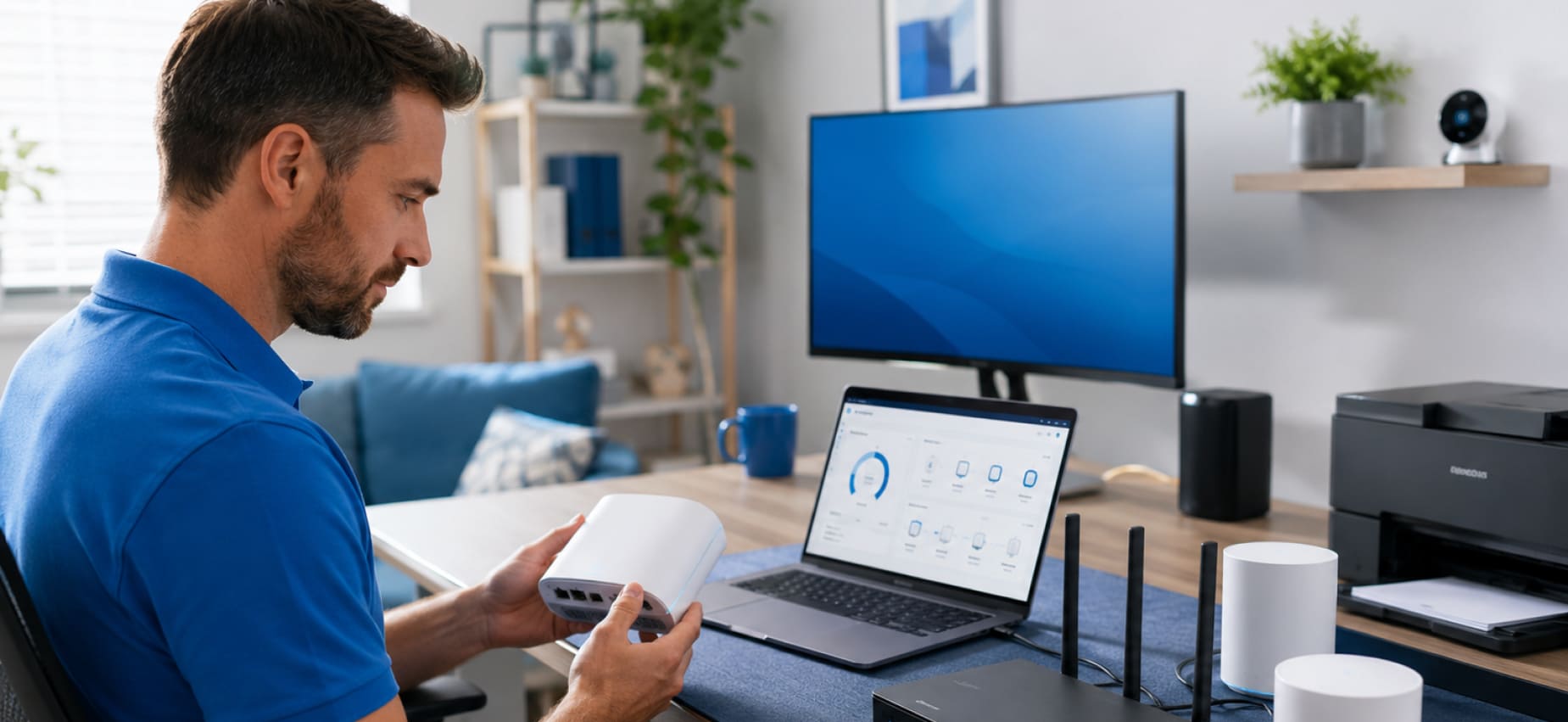
A Practical Guide to Improving Home Wi-Fi and Network Stability
A reliable network has become just as important as electricity in many homes and workplaces. Computers, printers, televisions, smart home devices, security systems, video meetings, and online entertainment all depend on a stable connection. When the network begins slowing down or disconnecting unexpectedly, even simple daily tasks can become frustrating.
Many connectivity issues are not caused by a single problem. Instead, network performance is often influenced by equipment placement, the number of connected devices, environmental conditions, and routine maintenance. Understanding these factors can make it easier to improve stability without immediately assuming the router needs replacement.
Start With Router Placement
The location of a router has a significant impact on wireless coverage. A router hidden inside a cabinet or placed behind large furniture may struggle to distribute a strong signal throughout the property.
For better coverage, consider placing the router:
- In a central area of the home or office
- On an elevated surface rather than the floor
- Away from thick walls whenever possible
- In an open space with adequate ventilation
- Away from large metal objects
A small change in placement can often improve signal strength in multiple rooms.
Understand What Interferes With Wi-Fi
Wireless signals travel through the surrounding environment, which means nearby objects and electronic devices can influence performance.
Common sources of interference include:
- Microwave ovens
- Cordless phones
- Bluetooth devices
- Baby monitors
- Thick concrete walls
- Large mirrors
- Metal cabinets
While these objects cannot always be removed, recognizing their impact can help explain inconsistent connectivity in certain areas.
Check Connected Devices
Modern households often have dozens of devices sharing a single network.
These may include:
- Computers
- Laptops
- Smartphones
- Tablets
- Smart televisions
- Streaming devices
- Security cameras
- Smart speakers
- Gaming consoles
- Printers
The more devices actively using the network, the greater the demand placed on available bandwidth.
Reviewing connected devices occasionally helps identify equipment that is no longer being used but remains connected.
Restart Networking Equipment Occasionally
Networking equipment operates continuously for long periods. Over time, temporary software processes or connection requests may affect performance.
Restarting the modem and router occasionally allows the devices to refresh their connections and clear temporary network activity.
Although restarting does not solve every connectivity issue, it remains one of the simplest maintenance steps available.
Keep Router Software Updated
Like computers and smartphones, networking equipment receives software updates.
These updates may improve:
- Device compatibility
- Network stability
- Performance
- Security
- Support for newer technologies
Checking periodically for available firmware updates helps keep the router operating with current improvements provided by the manufacturer.
Secure Your Wireless Network
An unsecured wireless network may allow unauthorized devices to connect, reducing available bandwidth while creating unnecessary security concerns.
Good network security practices include:
- Creating a strong Wi-Fi password
- Changing default administrator credentials
- Using modern encryption settings when available
- Reviewing connected devices periodically
- Removing devices that are no longer needed
Maintaining network security also contributes to more consistent overall performance.
Improve Signal Coverage in Larger Properties
Not every property can be covered effectively by a single router.
Larger homes, multi-story buildings, and office environments may contain areas where the wireless signal becomes weaker.
Depending on the layout, expanding coverage may involve:
- Additional wireless access points
- Mesh networking systems
- Wi-Fi range extenders
- Optimized equipment placement
Selecting the right solution depends on the property’s size, construction, and network requirements.
Don’t Overlook Wired Connections
Wireless networking offers convenience, but some equipment benefits from a direct cable connection.
Devices commonly connected with Ethernet include:
- Desktop computers
- Office printers
- Network storage devices
- Business workstations
- Smart televisions
- Streaming equipment
A wired connection often provides greater consistency for devices that remain in one location.
Keep Networking Equipment Clean
Dust accumulation around networking equipment may restrict airflow and contribute to unnecessary heat.
Simple maintenance includes:
- Cleaning around the router
- Keeping ventilation openings clear
- Avoiding excessive cable clutter
- Preventing objects from covering the equipment
A clean installation supports normal operation while making future maintenance easier.
Recognize Early Signs of Network Problems
Small changes in performance often appear before larger connectivity issues develop.
Some common signs include:
- Frequent Wi-Fi disconnections
- Slow page loading
- Interrupted video calls
- Buffering during streaming
- Printers randomly appearing offline
- Smart home devices becoming unresponsive
- Inconsistent signal strength in familiar areas
Recognizing these patterns early provides an opportunity to evaluate the network before disruptions become more frequent.
Network Stability Supports Everyday Productivity
A dependable network keeps devices communicating efficiently, whether the goal is working from home, managing office tasks, streaming media, printing important documents, or operating connected smart devices. Regular maintenance, thoughtful equipment placement, and periodic reviews of the network environment all contribute to a smoother experience.
When connectivity concerns continue despite basic maintenance, an on-site consultation provides the opportunity to evaluate the network within its actual environment. JS Electronics offers consultation-based on-site assistance for residential and business customers seeking help with Wi-Fi connectivity, routers, network equipment, printers, computers, smart home devices, and other connected technologies. Every consultation begins with understanding the environment and service requirements before an appointment is scheduled, allowing recommendations to reflect the property’s layout, connected equipment, and individual networking needs.